📋 Executive Summary: Why 10-Bit Log Is Non-Negotiable for 2026 Indian Weddings
Indian weddings throw the most extreme dynamic-range torture test in filmmaking at your sensor: 12 PM Haldi pools, dark palace mandaps lit by flickering havan flames, deep crimson bridal velvet lehengas, reflective gold zari embroidery, and chaotic RGB DJ stage lights—all within 48 hours. Shooting standard 8-bit Rec.709 crushes brown skin tones into muddy green shadows and clips bride reds into neon orange. This masterclass breaks down exact 10-bit 4:2:2 Log exposure targets across Sony S-Log3, Canon C-Log2, and Nikon N-Log, false-color mandap metering, gamut-safe crimson LUT pipelines, and multi-cam vectorscope skin matching so your studio delivers Hollywood-grade wedding films in half the grading time.
Walk into any luxury Indian wedding edit suite during peak November or February Muhurat season, and you will hear the same frustrated sigh from lead colorists: "Why does the bride's Sabyasachi crimson lehenga look radioactive orange in the Sangeet footage, while her skin looks waxy grey under the mandap?"
Nine times out of ten, the culprit is not the camera brand—it is shooting 10-bit Log profiles with 8-bit Rec.709 exposure habits, or blindly dropping a generic "Cinematic Teal & Orange" LUT on uncalibrated S-Log3, C-Log2, or N-Log clips. Modern mirrorless sensors from Sony, Canon, and Nikon pack 13 to 15 stops of dynamic range, yet most wedding crews waste 4 stops in the shadows by underexposing in fear of clipping the groom's ivory sherwani.
When you understand how logarithmic gamma curves distribute tonal data across 1,024 levels per channel (10-bit) instead of 256 (8-bit), everything changes. Shadows stay silky clean at ISO 12,800 during midnight Saat Phere, gold zari sparkles without turning into harsh white blocks, and rich South Asian skin tones retain natural golden-bronze warmth across every camera on your crew.
🎥 1. Dual Base ISO & Log Curve Science: Sony S-Log3 vs. Canon C-Log2 vs. Nikon N-Log
Every cinema-grade Log profile allocates the vast majority of its bit depth to midtones and highlights while compressing shadows near the noise floor. To unlock clean mandap footage without heavy temporal noise reduction that smears bridal mehendi and jewelry details, your crew must lock onto native dual base ISOs rather than dialing random intermediate values like ISO 2500 or ISO 5000.
In an Indian wedding where you transition rapidly from a sunlit courtyard Haldi to a dimly lit banquet corridor, knowing each body's exact second base ISO prevents noisy, macro-blocked skin shadows:
- Sony S-Log3 (S-Gamut3.Cine): On the Sony FX3, FX6, and A7S III, Base 1 is ISO 640 and Base 2 jumps cleanly to ISO 12,800 (with Cine EI mode). On the widely used hybrid Sony A7 IV, Base 1 is ISO 800 and Base 2 is ISO 3,200. Never shoot an A7 IV at ISO 2,500 inside a dark mandap—stepping up to ISO 3,200 actually drops shadow noise dramatically while preserving highlight latitude.
- Canon C-Log2 & C-Log3 (Cinema Gamut): On the Canon EOS R5 Mark II and C70, C-Log2 delivers maximum 15-stop filmic roll-off for bridal prep and outdoor pheras (Base ISO 800), while C-Log3 (Base ISO 800 / 3,200 on R6 II) offers cleaner shadow floors for ultra-fast Same-Day Edit (SDE) turnarounds where grading time is tight.
- Nikon N-Log (Rec.2020 / N-Log): On the Nikon Z8 and Z9, native N-Log shines at ISO 800 for daytime Baraats and jumps cleanly to ISO 4,000 inside candle-lit palace courtyards, delivering exceptional 10-bit ProRes or N-RAW skin gradation.
🔥 2. False Color & ETTR Metering for Haldi Glare and Dark Havan Mandaps
Relying on your naked eye or a sun-washed rear LCD screen during a 1 PM Rajasthani Haldi ceremony is a recipe for disaster. An LCD set to +2 brightness tricks your brain into thinking the scene is bright, causing you to close down the ND filter and accidentally underexpose Log shadows by two full stops.
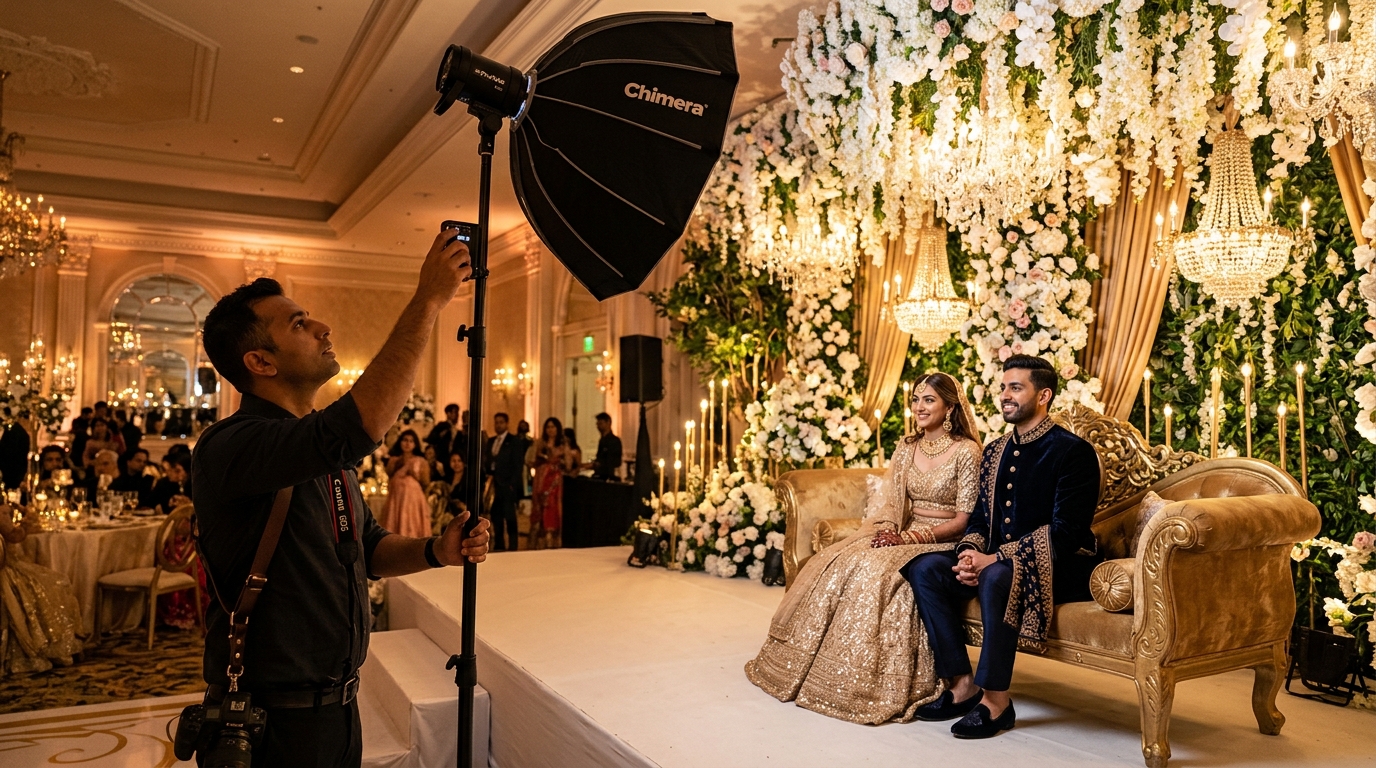
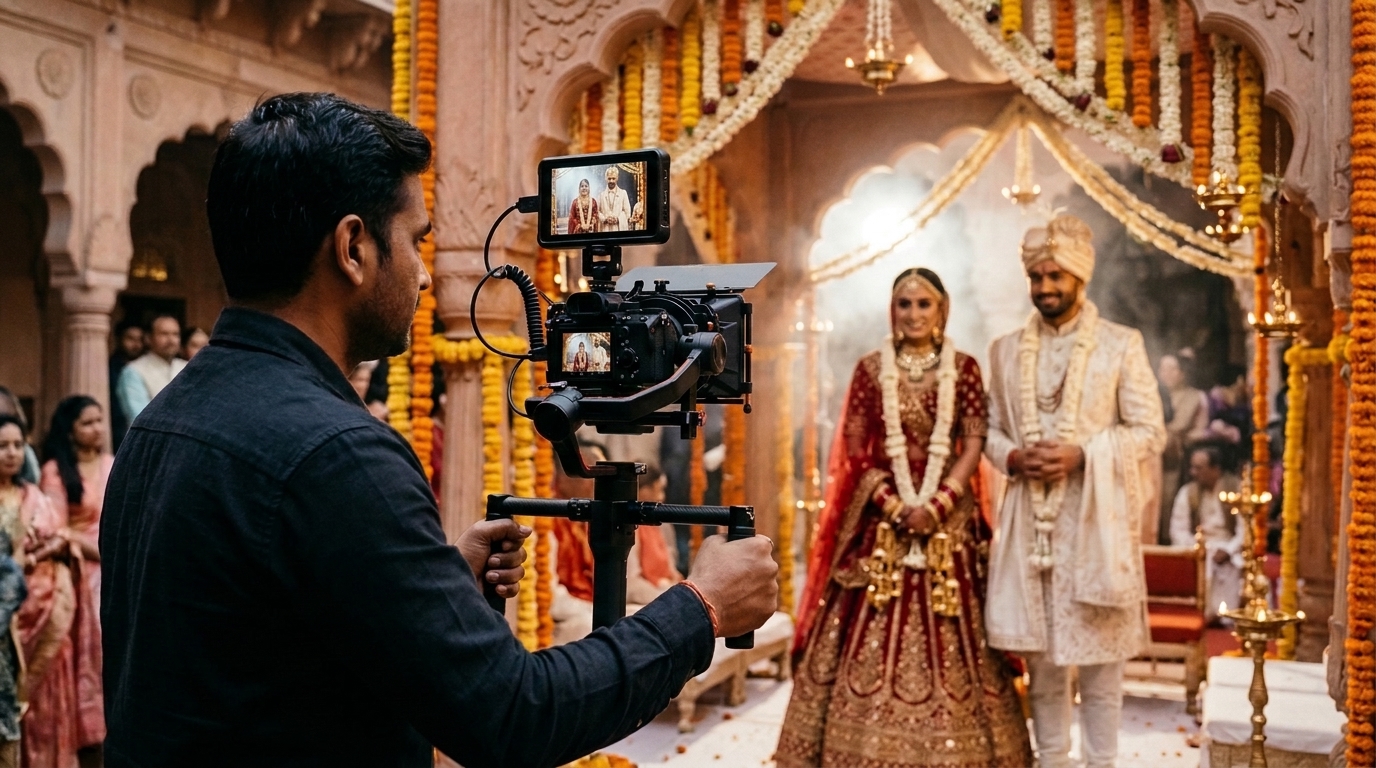
Instead, professional Indian wedding cinematographers meter strictly with False Color on a 5-inch or 7-inch field monitor (such as SmallHD, Atomos Shinobi/Ninja, or Portkeys) paired with calibrated Zebras inside the camera body:
- Exposing To The Right (ETTR) Safely: Because Log curves put fewer data bits in the deep shadows, you should expose S-Log3 roughly +1.0 to +1.7 stops brighter than middle grey—until the brightest important detail (the groom's white safah or ivory chikankari kurta) sits right around 68–72 IRE, just before clipping.
- Indian Skin Tone IRE Targets: In S-Log3 (which maps middle grey at 41 IRE), healthy medium-to-deep Indian skin tones look richest when exposed at 48 to 55 IRE (showing as warm Light Grey to Pink/Yellow boundary on standard ARRI/Atomos False Color scales). In Canon C-Log2 (middle grey at 32–34 IRE), target 38 to 45 IRE for skin.
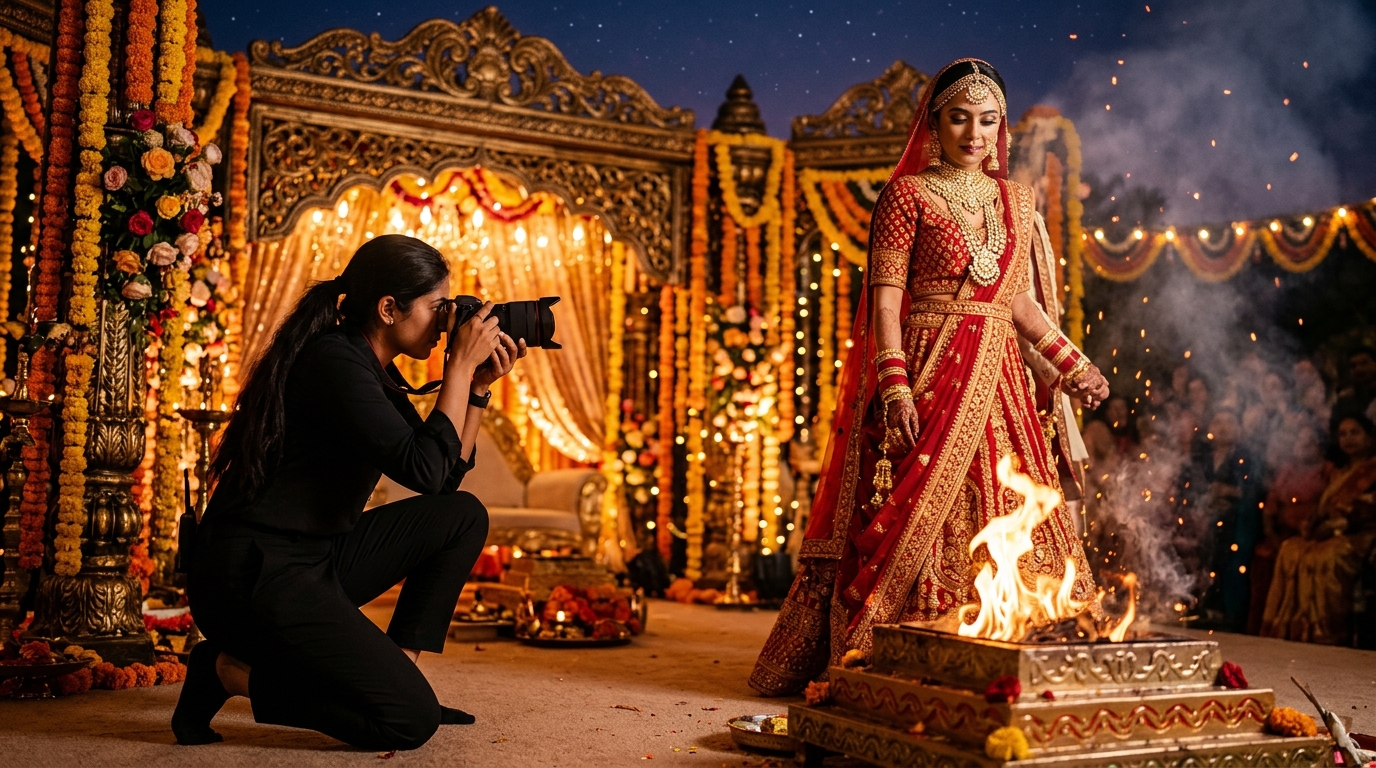
- Zebra 94+ Guardrail for Gold Zari & Havan Fire: Set your in-camera Zebra pattern to 94+ (the true upper ceiling of S-Log3 before sensor clipping). Allow tiny specular glints on brass kalash pots, polki diamonds, or direct havan flames to trigger zebras, while keeping facial highlights, forehead bindis, and bridal dupatta textures completely zebra-free.
💃 3. Protecting Bridal Crimson Reds & Gold Zari Without Gamut Clipping
The single hardest color challenge in Indian wedding filmmaking is the bridal crimson red—whether it is Banarasi silk, raw silk velvet, or vermilion sindoor—illuminated by cheap LED stage wash lights. Ultra-wide color gamuts like Sony S-Gamut3.Cine and Canon Cinema Gamut capture saturated reds that actually sit outside the smaller Rec.709 color space used by Instagram, YouTube, and 4K client TVs.
If a junior editor drops a basic .cube conversion LUT directly onto a 10-bit Log clip, that LUT mathematically clips out-of-gamut crimson values against the Rec.709 boundary wall. The result? Details in the lehenga pleats vanish into a flat, glowing red blob, and magenta DJ lasers turn faces alien purple.
To protect every stitch of zardozi embroidery and keep skin natural under mixed LED lights, replace lazy LUT stacking with a proper Color Space Transform (CST) pipeline:
- Lock White Balance Manually in Kelvin: Never leave Auto White Balance (AWB) on during a wedding. When the bride walks under warm 2800K tungsten chandeliers past a cool 5600K entrance spotlight, AWB shifts mid-shot and ruins cut consistency. Lock 5400K–5600K outdoors, 3200K–3800K inside warm mandaps, and 4300K under mixed banquet LEDs.
- Use DaVinci Color Management or Node-Based CST: In DaVinci Resolve Studio (or Premiere Pro Lumetri Color Management), set your Input Color Space to your exact camera (e.g., Sony S-Gamut3.Cine / S-Log3) and transform into DaVinci Wide Gamut / Intermediate before doing any exposure, contrast, or creative look adjustments.
- Enable Saturation Compression & Luminance Mapping: Inside your final output CST node (converting from DaVinci Wide Gamut down to Rec.709 Gamma 2.4), turn on Tone Mapping: Luminance Mapping and Gamut Mapping: Saturation Compression. This gently rolls off oversaturated bridal crimsons and neon DJ blues back inside Rec.709 without harsh clipping or hue shifts.
🎨 4. Multi-Cam Skin-Tone Matching & Fast Rec.709 Grading in 90 Minutes
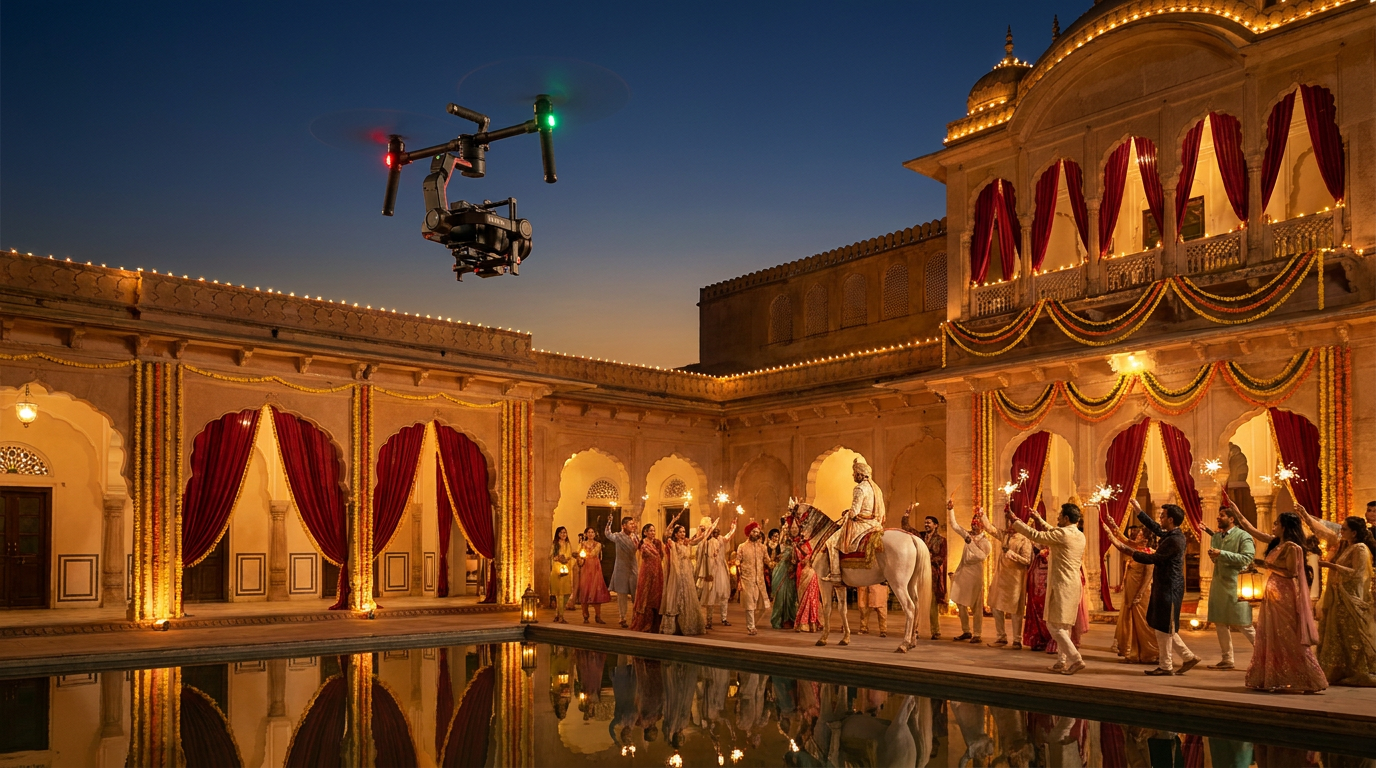
Modern Indian wedding teams rarely shoot on a single camera model. A typical 4-person crew arrives with a Sony FX3 on a gimbal, a Sony A7 IV on a monopod, a Canon R6 II capturing tight bridal reactions, and a DJI Mavic 3 Pro or Air 3 shooting D-Log M Baraat aerials. Without a standardized pipeline, cutting between those four cameras in a 4-minute highlight reel looks disjointed—Canon leans warm magenta, Sony leans slightly green-yellow, and DJI looks overly cool.
Here is the exact 90-minute studio grading workflow top wedding houses use to unify multi-camera timelines before a single frame goes to the client:
- Pre-Shoot Camera Picture Profile Sync: On Sony cameras, set
S-Log3 / S-Gamut3.Cineacross every body and match Kelvin manually via walkie-talkie before the ceremony starts. On DJI drones, shoot10-bit D-Log M(not Normal 8-bit) so sky and palace architecture retain matching highlight roll-off. - The 11 O'Clock Vectorscope Skin Check: Open the Vectorscope in your grading suite and turn on the Skin Tone Indicator line (running diagonally toward the 11 o'clock position between red and yellow). Draw a quick Power Window mask around a sunlit or lit patch of the bride's or groom's cheek. Regardless of complexion fairness or depth, healthy human blood beneath skin always sits squarely along that 11 o'clock line. Adjust Offset or Temp/Tint until Sony, Canon, and DJI faces overlap on the exact same vector angle.
- Build One Custom Studio Show LUT: Once your CST + skin tone balance + gentle S-curve + warm marigold highlight tint is dialed in for a signature venue style (like a Udaipur palace daylight look or dark banquet look), export it as a unified 65-point
.cubeStudio Show LUT. Editors can apply it across 800 timeline clips in seconds for instant Same-Day Edits (SDEs) and crisp teaser reels.
⚡ 5. From Memory Card to Client Proofing: Eliminating Post-Production Bottlenecks
Delivering breathtaking 10-bit Log cinematography is only half the battle. Many talented Indian studios lose momentum—and freeze their final balance payments—after the shoot wraps. While the colorist finishes grading a 10-bit highlight film in 4 days, the photo and reel selection workflow drags on for 4 to 8 weeks because of scattered hard drives, manual RAW sorting, and slow WhatsApp client follow-ups.
Look at how upgrading both your on-set capture science and your post-shoot delivery workflow transforms studio velocity:
✅ The 4-Step 10-Bit Log Field Checklist for Your Next Wedding
Save this four-step checklist inside your studio camera bags and review it with every cinematographer during your pre-Baraat gear briefing:
- 1️⃣ Lock 10-Bit 4:2:2 & Dual Base ISO: ✅ Switch every A-cam, B-cam, and gimbal body to 10-bit 4:2:2 XAVC S-I/HS or Canon XF-AVC/CRM. Pin ISO strictly to native Base 1 (640/800) outdoors or Base 2 (3200/4000/12800) inside night mandaps.
- 2️⃣ Calibrate False Color & 94+ Zebras: ✅ Keep Gamma Display Assist ON for visual confidence, place Indian skin tones in the 48–55 IRE (S-Log3) or 38–45 IRE (C-Log2) window, and keep 94+ Zebras strictly off faces and bridal textiles.
- 3️⃣ Sync Manual Kelvin Across All Bodies: ✅ Call out one unified Kelvin temperature over crew intercom at the start of Haldi, Mehendi, Baraat, and Pheras so Sony, Canon, Nikon, and DJI sensors match effortlessly in post.
- 4️⃣ Grade Through CST + Automate Client Selection: ✅ Convert Log footage through DaVinci Wide Gamut with Saturation Compression to preserve bridal crimson, then ship your still previews and album proofs through a WhatsApp PIN gallery so final selections never stall your studio revenue.
❓ Frequently Asked Questions (FAQs)
1. Should Indian wedding studios shoot S-Log3 for Same-Day Edits (SDEs), or stick to S-Cinetone?
If your on-site SDE editor works on a calibrated laptop in DaVinci Resolve or Premiere Pro with your pre-built CST + Studio Show LUT, shooting 10-bit S-Log3 takes zero extra rendering time while protecting bright palace skies and fiery havan highlights that S-Cinetone clips. Only fall back to S-Cinetone if an untrained freelance operator is handing raw SD cards directly to a venue projector operator with zero grading step.
2. Why do Sony A7 IV S-Log3 shadows look noisy at ISO 1600 or 2000 inside dark banquet halls?
The Sony A7 IV has a dual native ISO circuit at ISO 800 and ISO 3,200 in S-Log3. Between ISO 1000 and ISO 2500, the sensor simply amplifies gain digitally from Base 1, increasing shadow noise. The moment you step up to ISO 3,200, the camera switches to its cleaner second analog gain circuit—giving you noticeably cleaner dark skin tones and velvet lehenga shadows.
3. How can I stop cheap RGB DJ lights from turning the bride's face neon purple in 10-bit Log?
First, turn on Gamut Mapping (Saturation Compression) inside your output Color Space Transform node so extreme blue/magenta spikes don't hard-clip. Second, in DaVinci Resolve's Hue vs. Sat and Hue vs. Lum curves, gently pull down narrow cyan/magenta spikes while keeping a warm 3200K–4000K key light (like a diffused Aputure MC Pro or tube light) grazing the couple's faces so real skin pigment overrides ambient DJ wash.
🚀 Pair Cinema-Grade Footage With Effortless Client Proofing
Don't let slow client photo approvals or messy pen-drive RAW hunting delay your studio's final wedding film and album delivery. With Pixelect SmartSelection, send branded WhatsApp Instant Client PIN Galleries in seconds—and once your couple taps their favorites, run 1-Click Local RAW Auto-Copy in 15 seconds straight from your studio hard drive.
Explore Pixelect SmartSelection →