⚡ Executive Summary: Taming Indian Wedding Autofocus Nightmares
Indian weddings represent the ultimate torture test for modern mirrorless autofocus systems. Between translucent zardozi-embroidered ghunghat veils, sparkling 22k gold maang tikkas, billowing camphor smoke from the havan kund, and the erratic circular motion of the Saat Phere, even flagship cameras like the Sony A7 IV, Canon EOS R6 Mark II, and Nikon Z8 can suffer catastrophic focus hunting. At wide apertures (f/1.2 to f/1.8), an autofocus miss of merely 12 millimeters shifts focus from the bride’s kohl-lined iris to her veil netting or forehead jewelry—ruining priceless, unrepeatable muhurat moments.
This masterclass uncovers the exact 2026 autofocus configurations, custom button overrides, tracking sensitivity calibrations, and on-mandap shooting protocols used by India's top luxury wedding studios to maintain a 98%+ eye-tack-sharp keeper rate throughout the sacred night.
🎯 The High-Stakes Autofocus Crisis in Indian Weddings
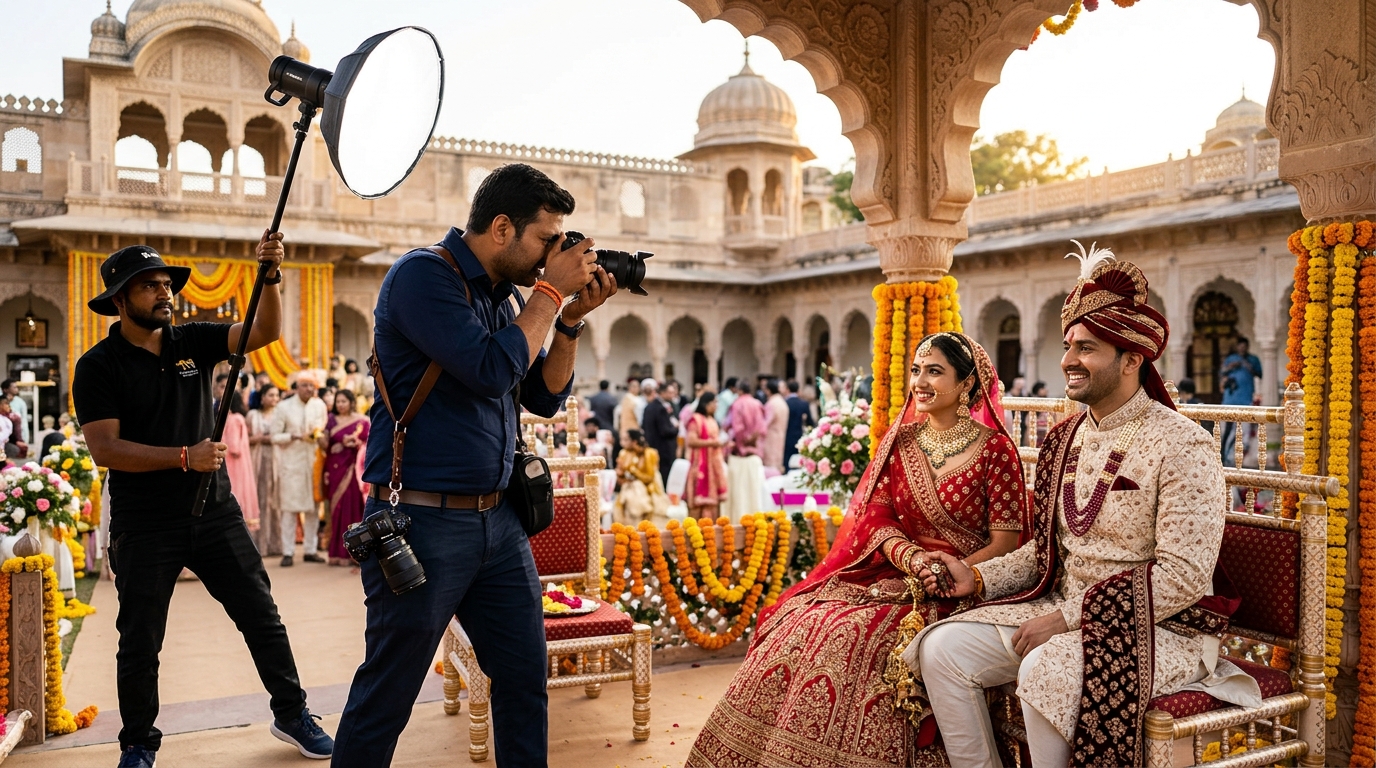
To the uninitiated, wedding photography looks like an artistic pursuit. But to any lead photographer standing inside a sweltering 12x12 mandap packed with sixteen relatives, three videographers, two panditjis, and a blazing fire pit at 2:30 AM, it is a high-speed technical obstacle course. With the Indian wedding industry standardizing on fast prime lenses (35mm f/1.4, 50mm f/1.2, and 85mm f/1.4 GM/RF/Z) to melt away busy banquet hall backgrounds, depth of field is measured in fractions of an inch.
When you frame an 85mm portrait at a working distance of 5 feet at f/1.4, your total depth of field is less than 1.4 inches (3.5 cm). If your camera’s AI subject detection locks onto the glistening gemstones of the bride's matha patti or the embroidered zari border of her veil rather than her pupil, her eyes will be soft. You won't notice it on a 3.2-inch camera LCD at 3:00 AM. But when the bride zooms in on a 4K display or reviews high-resolution album spreads, that softness becomes an unforgivable studio embarrassment.
Modern deep-learning subject recognition engines are trained predominantly on unobstructed human faces in clean studio lighting. An Indian bride, however, presents an extreme visual conundrum:
- Intricate Geometric Forehead Adornment: High-contrast polki, kundan, and pearl maang tikkas draw phase-detection autofocus pixels away from dark pupils and eyelashes.
- High-Frequency Ghunghat Netting: Sheer red, pink, or gold dupattas draped over the forehead introduce high-frequency micro-contrast patterns that mimic subject edges, fooling algorithms into front-focusing on the cloth.
- Atmospheric Smoke & Air Refraction: Dense smoke billowing from the havan kund scatters light, severely crushing contrast ratios precisely when the pandit asks for the Sindoor Daan.
- Extreme Multi-Kelvin Flame Lighting: A 1800K flickering open flame right beside 3200K tungsten mandap floodlights and 5600K off-camera speedlights creates unpredictable shadow shifts across facial features.
👰 Overcoming the Ghunghat Trap: Eye-AF Calibration Under Heavy Veils
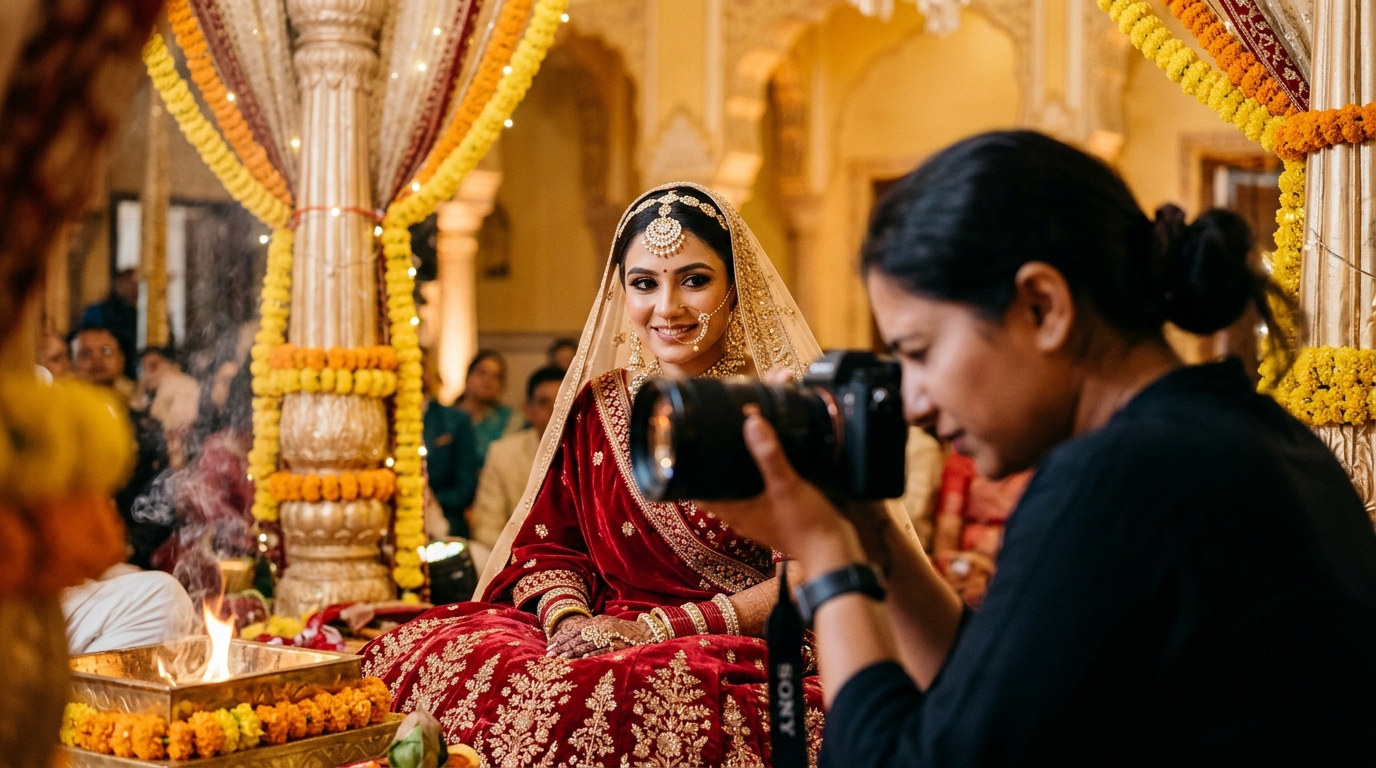
During the traditional Sindoor Daan, Kanyadaan, and initial bridal entry, brides frequently wear a sheer dupatta pulled forward over the face. In automatic Eye-AF mode, the camera's neural processor scans the frame for the distinctive "T-shape" of eyes, nose, and mouth. The high-contrast gold gota-patti embroidery on the veil provides dramatically higher micro-contrast than the bride's shaded eyes beneath it. Consequently, the camera stubbornly nails the fabric threads while leaving her eyes soft.
To eliminate this, leading wedding photographers disable standard full-frame Auto-Area AF and employ a hybrid dual-tier focus strategy:
1. Custom Button Instant Override: Spot AF vs. Eye Tracking
Never leave your camera locked into a single autofocus mode. Program your primary AF-ON button to perform continuous subject tracking with Eye-AF enabled. Simultaneously, map an easily reachable secondary button—such as the lens focus hold button or the camera's AEL / C1 button—to "Single-Point Small Spot AF" with Subject Recognition disabled.
When the bride's face is unobstructed, press AF-ON for effortless AI Eye Tracking. The moment she pulls the ghunghat down, shift your thumb to the secondary override button. Place the tiny flexible spot directly on her eye. The camera bypasses the neural algorithm and locks instantly onto phase-contrast differences between her eyelid and iris, cutting straight through the netting without hunting.
2. AF Tracking Sensitivity: The "Locked-On" Secret
Many photographers leave their AF Tracking Sensitivity (or "Tracking Subject Shift Sensitivity") at the factory default setting of 3 (Standard). In a crowded mandap where relatives frequently reach their hands into the frame to offer flowers, blessings, or holy water, setting 3 causes the autofocus to violently jump onto incoming hands or the pandit's arm.
For traditional rituals, adjust your tracking sensitivity to "1" (Locked-On / Sticky). This forces the autofocus algorithm to hold tenaciously onto the bride’s face for 1.5 to 2 full seconds even if a guest walks in front of the lens, preventing the dreaded "background snap" during crucial emotional micro-expressions.
🔥 Taming Havan Kund Smoke, Low Light & Blinding Flame Flicker
The sacred havan fire is the spiritual heart of the Hindu wedding ceremony. It is also an absolute nightmare for phase-detection autofocus sensors. As pure ghee, camphor, samagri herbs, and wood burn, thick plumes of gray-white smoke rise between your lens and the couple. This causes two severe optical degradations:
- Contrast Flattening: Phase-detection autofocus relies on detecting high-frequency luminance differences between adjacent pixel pairs. Smoke acts as a heavy diffusion filter, lowering scene contrast below the camera's minimum EV threshold (even on modern -4 EV and -6 EV sensors).
- Heat Shimmer & Mirage Distortions: The intense thermal radiation from the fire creates hot air turbulence. This continuously bends light rays, making static subjects appear to wobble, which causes continuous AF systems to micro-hunt back and forth indefinitely.
The "Contrast Anchor" Emergency Technique
When dense smoke rolls in during the pheras or laja homa, stop trying to force the camera to find an eye through the haze. Shift your focus point downward to a rigid Contrast Anchor located along the exact same focal plane as the eyes:
- The crisp velvet edge of the groom's sherwani collar or the bride's lehenga neckline.
- The dark silhouette of the bride’s bindi against her forehead skin.
- The top metallic rim of the bridal nath (nose ring) chain pinned into her hair.
Because these elements share the exact distance from your sensor as her pupils, acquiring lock on their solid edge takes less than 0.1 seconds and avoids smoke-induced hunting entirely.
🏃 Tracking Saat Phere & Rapid Circular Motion with Wide Primes
The Saat Phere (seven sacred circumambulations) presents the most dynamic physical motion of the entire wedding ceremony. The groom leads for the first four rounds, followed by the bride leading the final three. As they walk around the havan kund, the distance between your lens and the couple changes continuously. Furthermore, the couple frequently speeds up or slows down to avoid stepping on long dupattas or trailing sherwani tails.
If you are walking backwards around the mandap perimeter with a 35mm f/1.4 or 50mm f/1.2 lens, any lag in subject acquisition results in blurry, out-of-focus sequences. Here is how master studios lock focus during the pheras:
1. Switch AF Tracking Sensitivity to "Responsive" (Level 4 or 5)
While static rituals require "Sticky / Locked-On" focus, the Saat Phere requires immediate, agile response. Switch your tracking sensitivity to Responsive (Level 4 or 5) so your AF system continuously recalculates distance vectors as the couple moves towards and away from you.
2. Engage Wide-Area Zone AF Combined with Face/Eye Priority
Do not use a tiny single focus point during the pheras—you cannot keep a tiny box pinned on a moving bride’s eye while stepping backwards over video cables and carpet folds. Instead, set your AF area to Zone AF or Expanded Spot covering the upper two-thirds of your viewfinder. Enable Face/Eye Priority in AF.
The camera will automatically prioritize human eyes within that large zone. Even if the couple suddenly turns their head to smile at an elder throwing flower petals, the system smoothly defaults from Eye AF to Face AF, and then to Torso AF without dropping focus onto the background decor.
3. Minimum Shutter Speed Floor: 1/320s
Photographers often mistake motion blur for autofocus failure. While in-body image stabilization (IBIS) allows you to shoot static portraits at 1/30s, IBIS cannot freeze moving subjects. As the couple circles the sacred fire with relatives throwing rice and marigold petals, a shutter speed of 1/125s or 1/160s will exhibit micro-motion blur in the bride's swinging jewelry and hands. Lock your minimum shutter speed to 1/320s (or 1/400s) in Auto-ISO mode to guarantee that when your autofocus nails the eye, the sensor renders every eyelash razor-sharp.
⚙️ Brand-by-Brand Field Cheat Sheet: Sony, Canon, and Nikon Settings for 2026
Every major camera ecosystem implements AI autofocus slightly differently. Here are the precise menu configurations battle-tested across hundreds of Indian weddings:
Sony Alpha Ecosystem (A7 IV, A7R V, A1, A9 III)
- Focus Mode: AF-C (Continuous AF).
- Focus Area: Tracking: Zone (for Pheras & Baraat) | Tracking: Spot S (for Bridal Portraits).
- Subject Recognition Target: Human (set Eye Detection Frame Display to "ON" so you can visually verify green box pupil lock).
- AF Tracking Sensitivity: 1 (Locked-on) for Mandap rituals | 4 (Responsive) for Pheras & Baraat.
- Custom Key Setup: Map Custom Button C1 to "Recall Custom Hold" with Single Point AF and Face Priority OFF for instant ghunghat breakthrough.
- Aperture Drive in AF: Set to "Focus Priority" (ensures the camera opens the iris fully to acquire focus before stopping down to shoot).
Canon EOS R Ecosystem (EOS R5, EOS R6 Mark II, EOS R3)
- AF Operation: Servo AF.
- AF Method: Expand AF Area (Around) or Flexible Zone AF 1.
- Subject to Detect: People (Eye Detection: Enable).
- Servo AF Characteristics (Cases): Select Case 2 ("Continue to track subjects, ignoring possible obstacles") for Mandap rituals; select Case 4 ("For subjects that accelerate or decelerate quickly") for the Saat Phere.
- Initial Servo AF pt for Face/Eye: Set to Option 2 (AF point set manually becomes initial target, allowing you to pick the bride in a crowd).
Nikon Z Ecosystem (Z8, Z9, Z6 III)
- AF-Area Mode: 3D-Tracking (General) | Wide-Area AF (L-People) for high-traffic Baraat and Mandap scenes.
- AF Subject Detection: People.
- Blocked Shot AF Response: Level 1 (Delayed) to prevent relatives passing in front from stealing focus.
- Custom Controls: Assign Fn1 button to "AF-Area Mode + AF-ON" set to Single-Point AF for cutting through havan smoke.
📊 Old Manual Studio Way vs. Modern Pixelect Way
Tack-sharp capture is only half the battle. If your studio captures 8,000 razor-sharp multi-camera images at a grand wedding, but your post-shoot selection and proofing workflow is trapped in 2015, client delivery grinds to a halt. See how modern top studios transform their entire operation:
| Workflow Stage | The Old Manual Studio Way | The Modern Pixelect Way |
|---|---|---|
| Focus Verification | Chimping on tiny 3-inch camera LCDs at 3 AM; discovering soft eyes only after importing into Lightroom. | Custom button AF override calibrated for ghunghats and havan smoke; 98%+ eye-sharp keeper rate. |
| Client Photo Proofing | Mailing slow USB pen drives or bulky Google Drive links; clients take 4 to 8 months to review 6,000 files. | Instant WhatsApp PIN-protected mobile galleries with zero app downloads; selections done in 7 days. |
| RAW Extraction for Albums | Manually searching 250 image filenames across 10 multi-camera folders in Windows Explorer (taking 4+ hours). | Pixelect 1-Click Local RAW Auto-Copy automatically finds and extracts all selected RAWs in 15 seconds. |
| Cash Flow & Balance Release | 30% balance payments stuck for half a year waiting for slow album photo selection approvals. | Rapid automated client handoffs trigger prompt milestone album sign-offs and immediate balance clearance. |
📋 4-Step Actionable Checklist for Tack-Sharp Muhurat Shots
Before you step onto the mandap carpet at your next wedding, execute this four-step field drill:
1️⃣ Pre-Muhurat Custom Button Calibration ✅
Program your primary AF-ON button to AI Human Eye Detection and assign a secondary lens button (or AEL key) to Single-Point Spot AF with Subject Recognition disabled. Test the handoff on a crew member before rituals begin.
2️⃣ Disable AF-Assist Illuminator Beams ✅
Navigate to your camera menu and turn off the built-in AF assist lamp. It prevents blinding reflections off airborne havan smoke and preserves the sacred solemnity of the ceremony.
3️⃣ Lock Sticky Tracking for Seated Rites, Agile Zone for Pheras ✅
Keep AF Tracking Sensitivity at 1 (Locked-On) during Sindoor Daan and Kanyadaan to ignore intrusive hands. Switch to Level 4/5 (Responsive) with Zone AF when the couple stands up for the Saat Phere.
4️⃣ Streamline Multi-Camera RAW Culling with Pixelect SmartSelection ✅
Do not waste 5 hours hunting through 10,000 multi-card files manually. Upload lightweight web previews to Pixelect SmartSelection, let the couple pick their album favorites on WhatsApp, and auto-copy their chosen RAWs locally in 15 seconds.
❓ Frequently Asked Questions (FAQs)
Q1: Why does my camera lock onto the bride’s gold maang tikka or nath instead of her pupil?
Modern mirrorless cameras use phase-detection pixels that calculate focus based on contrast differences. Polki diamonds and polished 22k gold jewelry catch ambient spotlights and flash pulses, reflecting specular highlights with intense contrast. The camera’s algorithm can mistake these glistening highlights for an eye's catchlight. To resolve this instantly, use your pre-programmed custom button to switch to Single-Point Spot AF, place the box directly on her eyelid or iris, and acquire focus without algorithmic interference.
Q2: What is the optimal aperture for shooting the Saat Phere with prime lenses?
While shooting at f/1.4 produces stunning bokeh, shooting wide open while walking backwards around a smoking fire pit yields an unacceptable 20% to 35% miss rate due to the razor-thin depth of field. The industry standard sweet spot for the Saat Phere is f/2.2 to f/2.8 on a 35mm or 50mm lens. This increases your in-focus depth plane to approximately 8 to 12 inches, easily covering both the bride and groom even if one lags slightly behind during the circuit.
Q3: How do top Indian studios cull through 12,000 continuous burst shots quickly?
When shooting burst rates of 10 to 20 fps across Sony A7 IV or Canon R6 Mark II bodies, a single two-day wedding produces over 10,000 RAW files. Studios use modern local AI culling tools to reject closed eyes and duplicate frames, downsample the remaining selections into lightweight high-res JPEGs, and upload them directly to Pixelect SmartSelection. The client receives a branded mobile gallery on WhatsApp, selects their 250 album favorites with a 6-digit PIN, and the studio extracts the corresponding multi-camera RAW files in 15 seconds using Pixelect's local auto-copy runner.
Stop Wasting Hours Hunting RAW Files Across Hard Drives
You spent all night nailing razor-sharp focus on the mandap. Don't ruin your profit margins by wasting 4 hours manually searching for client-selected RAW filenames. With Pixelect SmartSelection, send high-speed WhatsApp PIN galleries and automatically extract 250+ chosen RAW files locally to your edit drive in just 15 seconds.
⚡ Experience 1-Click RAW Auto-Copy on Pixelect →