.png)
If you are editing photos one by one after a wedding, you are working like it's 2005. 😤 Today's Lightroom has powerful batch tools that can apply edits to hundreds of photos in seconds. Let's unlock them right now!
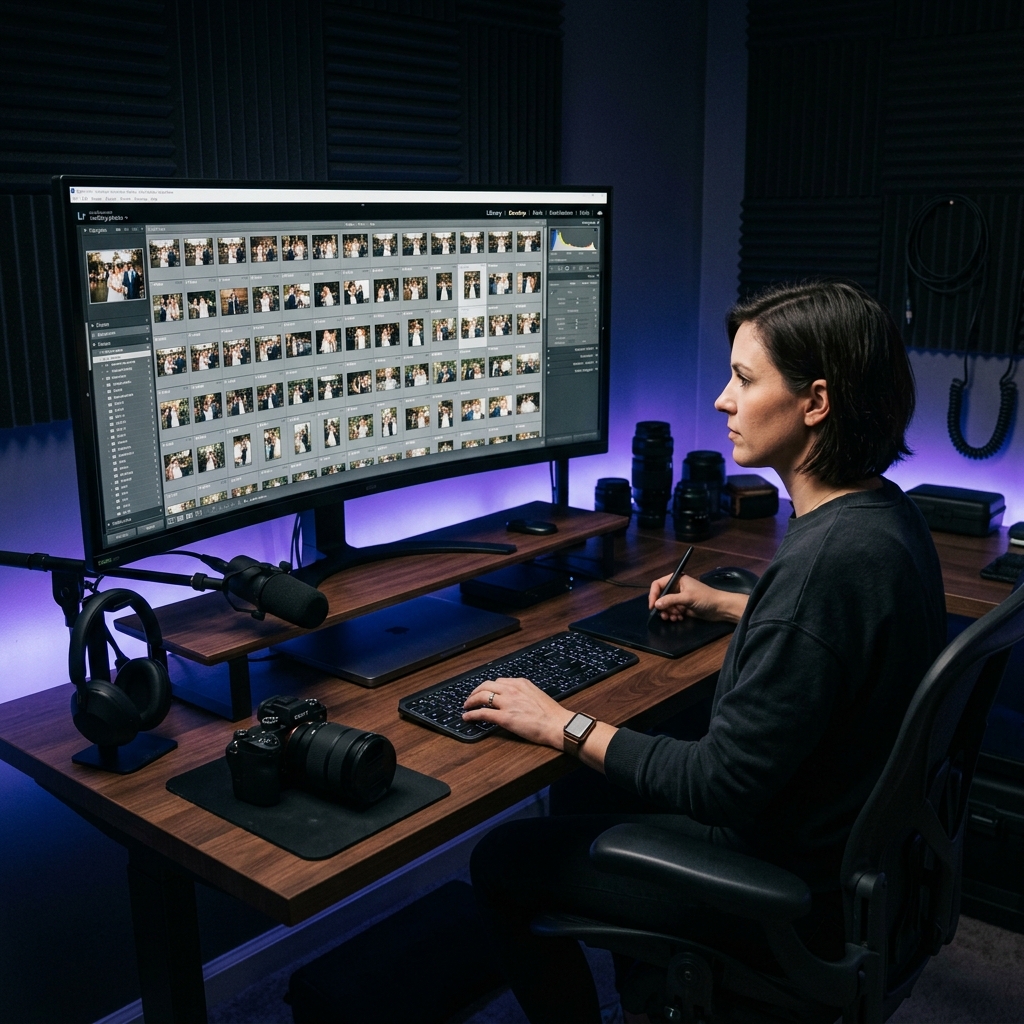
Batch editing isn't about being lazy — it's about being smart. The secret is understanding which decisions are "global" (same for a whole sequence) and which ones are "micro" (unique per shot). By separating these two phases, you eliminate decision fatigue and process a full 4,000-photo wedding in a fraction of the time. 🎯
1. The Auto-Sync Method 🔄
Auto-Sync is the most powerful batch tool in Lightroom. Here's the workflow:
- Pick the best exposed photo from a consistent lighting sequence (e.g., a 45-minute Mandap ritual).
- Edit that one photo to perfection — white balance, exposure, contrast, tone curve, everything. ✅
- Select all the photos from that same sequence using Shift+Click.
- Click the toggle switch next to "Sync" in the Develop panel to turn on Auto-Sync.
- Now every change you make to one photo instantly applies to ALL selected photos in real-time! 🤯
"⚡ Pro Tip: Grouping your photos by lighting scenario during the culling phase makes this technique 10x more effective. Cull by event → Mandap, Reception, Pheras, etc., then Auto-Sync each group separately."
2. Keyboard Shortcuts That Change Lives ⌨️
These power shortcuts will transform how fast you work inside Lightroom:
Export selected photos with your saved export preset.
Paste settings from previous photo — your fastest sync tool.
Jump straight to crop mode. Level horizons instantly!
Hide all panels — maximum focus on just the image.
Only Edit Photos That Actually Matter 🎯
Even with batch editing, you're spending time on photos the client won't even pick! Use Pixelect to get client selections first, THEN batch-edit only the confirmed photos. Save 70% of your editing time. 🔥
Try Pixelect Free ⚡3. Copy-Paste Settings Across Folders 📁
When you finish editing a reception sequence, copy the settings from the best photo (Ctrl+C), jump into your next folder, select all photos in a similar lighting, and hit Ctrl+V. Boom — 200 photos edited! 💨
Fine tune only the outlier shots (super dark, super bright) that didn't respond well to the paste. You will find these are a tiny minority — usually fewer than 10% of the batch.
4. Smart Previews for Speed 🚀
If Lightroom feels slow when scroll through your photos, enable Smart Previews on import. These are compressed, smaller proxy files that Lightroom uses for editing. Your original RAW files are untouched, but Lightroom renders changes 3x faster.
5. The Export Queue 📥
Don't sit and watch the export. Set up your export, then add more photos to the queue while it runs in the background. Lightroom's export queue means you can be editing tomorrow's wedding preview while today's wedding exports simultaneously! ⏱️
Conclusion 🏁
The difference between a ₹20,000 and ₹1,00,000 photographer isn't just skill — it's efficiency. These batch techniques free up your time to market your business, build client relationships, and simply enjoy life. Work smarter, not longer. 🌟