.png)
The fastest way to design wedding albums in Photoshop. Auto PSD fill, smart placement, batch tools, and 1000+ free PSDs included.
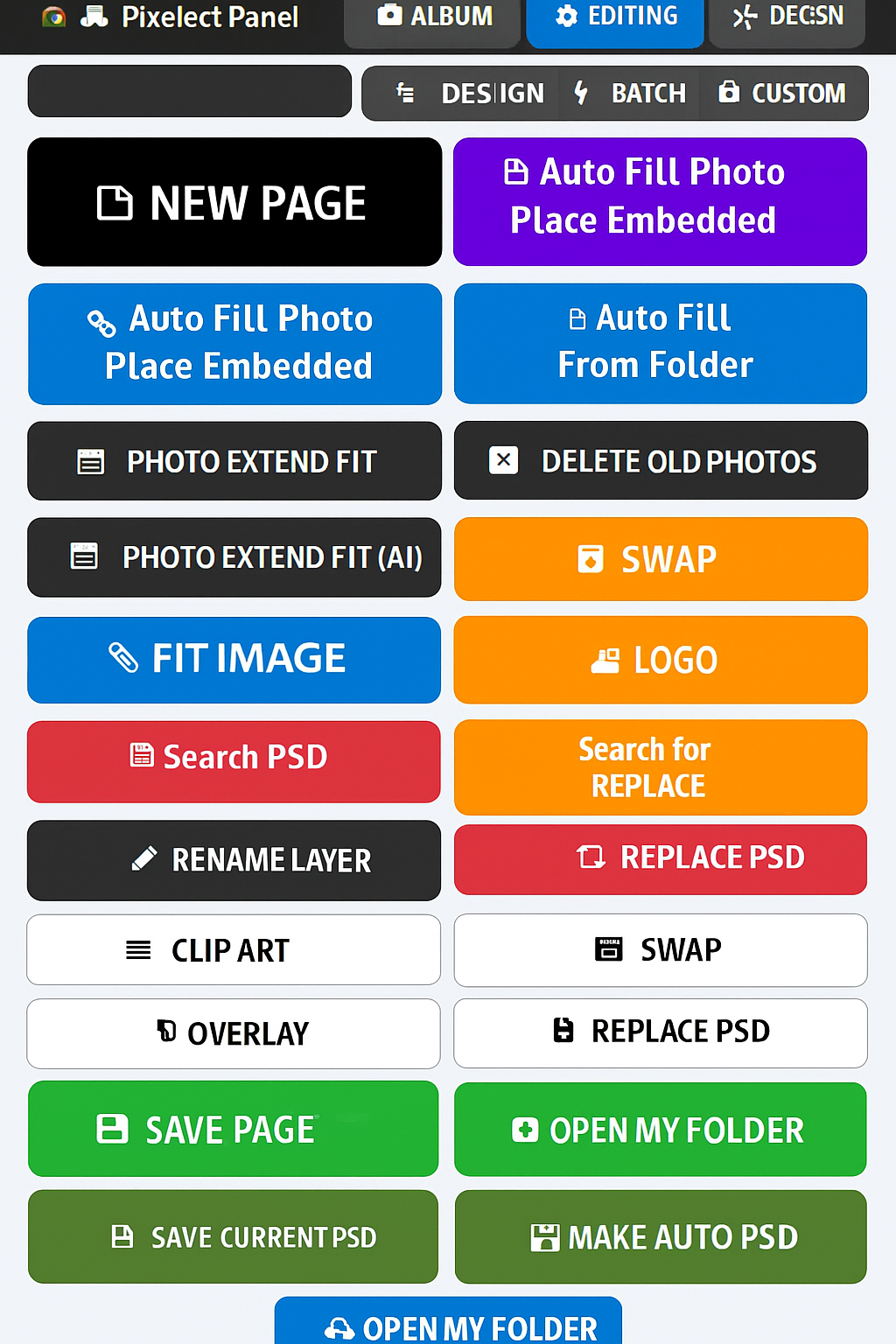
Everything you need for professional album design in one powerful panel
One-click page generation with smart layouts and automatic placement.
Works with any market or custom PSD. Embedded and linked modes supported.
Auto-fill from folders with intelligent size and ratio-based fitting.
One-click FIT IMAGE and SWAP tools for quick composition adjustments.
MAKE PDF, SAVE PAGE, SAVE CURRENT PSD — production-ready output options.
Starter pack includes 1000+ free PSDs with periodic premium updates.
Powerful tabs for every stage of your album design workflow
Create new pages, auto-fill photos, search & replace PSDs, fit images, swap layers, and save your work. All essential album design tools in one place.

Frame pages, clip art, text art, masks, overlays, and more creative tools for professional album finishing touches.

Skin smoothing, auto heal, blur effects, sharpening, and professional retouching tools for perfect wedding photos.

Process multiple files at once. Batch album making, convert & save, and automated workflows for high-volume projects.

Get started in 4 simple steps
Run the installer. The panel automatically appears in Photoshop's Extensions menu.
Open any market or custom PSD template. All smart objects will be detected.
Select your photo folder. Photos automatically fill and fit to the right frames.
Add logo/watermark, finalize composition, then export as JPG, PNG, or PDF.
Start with a free 30-day trial. No credit card required. Paid plans coming in November 2024.
Trusted by professional photographers and studios across India. Speed up your workflow 5× with batch tools, smart automation, search/replace PSD, layer management, frames, clip art, masks, overlays, and more — all in one powerful panel.